

thinkorswim® is a feature‑rich trading platform used by Schwab clients for research, charting, options analysis, and order entry. This website is an independent information hub: it does not provide logins, it does not collect personal data, and it will always point you to official Schwab pages so you can reach the right destination safely.
Quick decision: which thinkorswim version should you use?
Most users can work entirely in thinkorswim Web. Desktop is typically preferred for heavier charting, advanced layouts, or certain workflows. Mobile is best for monitoring and quick actions.
| Option | Best for | Benefits | Safety note |
|---|---|---|---|
| thinkorswim Web | You want browser access with no install | Fast to start; works on most modern browsers | Use official entry point; allow cookies and popups as needed |
| thinkorswim Desktop | You need deep customization and robust tools | Most powerful experience; customizable workspaces | Download only via official Schwab pages; keep OS updated |
| thinkorswim Mobile | You want access on the go | Convenient alerts and monitoring | Install only from your device’s official app store |
What thinkorswim is (and what it isn’t)
thinkorswim is a trading interface and toolset. It’s not a separate “account provider” that should ever ask you to create new credentials on unknown sites. In most cases you sign in using Schwab credentials and follow Schwab’s security steps (including two‑factor authentication where enabled).
This site is not affiliated with Charles Schwab & Co., Inc. We do not provide trading services, account access, or customer support. We publish safety‑first navigation help, common troubleshooting checks, and general platform pointers.
Official ways to access thinkorswim
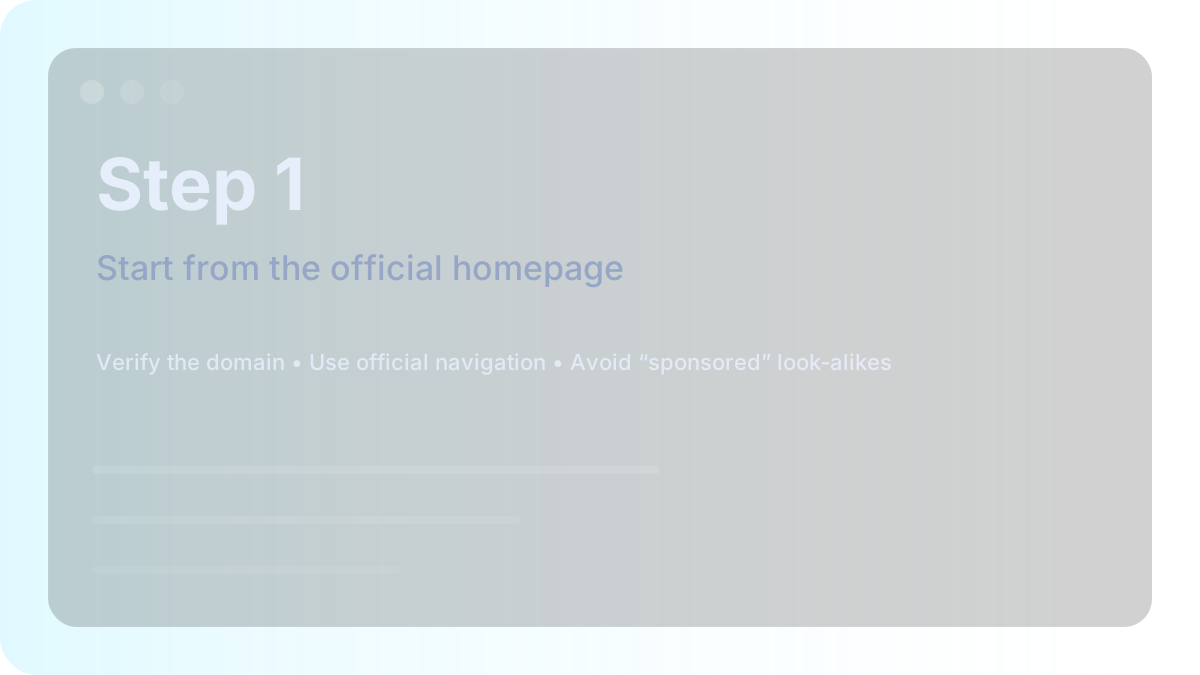
If you’re uncertain, start from the official Schwab homepage and navigate to trading platforms. That route reduces the chance of landing on a look‑alike domain.
Safe setup path (step‑by‑step)
- Open the official Schwab homepage (type the domain manually or use your own bookmark).
- Navigate to the trading section and choose thinkorswim.
- If prompted, sign in on the official Schwab login page only.
- Pick your platform: Web (browser) or Desktop (download and install).
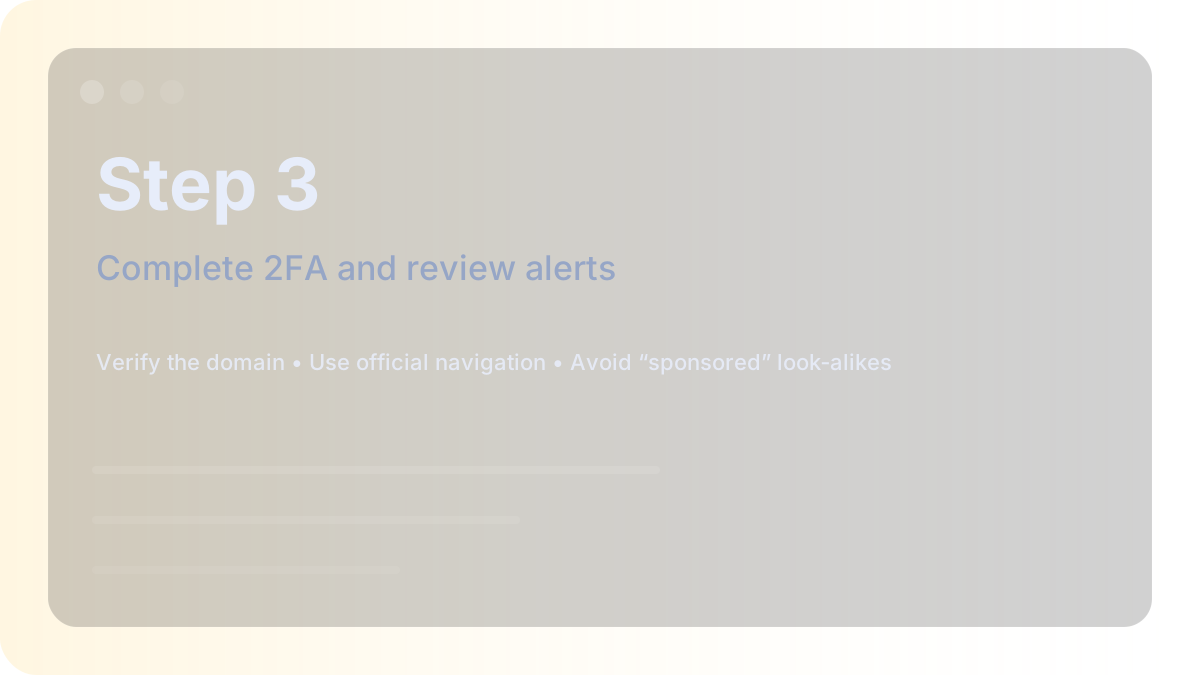
- On first run, review account/security prompts and complete any verification steps.
- Save the official pages as bookmarks for future use.
If you are setting up desktop for the first time, prefer a standard user profile and keep your operating system updated. Avoid unofficial “download mirrors” or bundled installers.
Installation checklist (Desktop)
- Download only from the official Schwab thinkorswim download page.
- Close other heavy apps during install to avoid corrupted setups.
- If your company device blocks installation, contact your IT administrator rather than bypassing security.
- After install, launch once and allow the platform to update itself if prompted.
Browser checklist (Web)
- Allow cookies for the official domain (logins often require cookies).
- Try a private window if you see redirect loops.
- Temporarily disable extensions that inject scripts (some ad blockers or privacy tools can break login flows).
- Keep your browser updated to the latest stable version.
Common issues and safe fixes
These checks solve most real‑world problems without risky workarounds:
- Wrong site / suspicious pop‑ups: close the tab, open a new one, and start from Schwab.com.
- 2FA code problems: verify your phone/email on file on the official site; check spam/junk folders.
- Page keeps refreshing: clear cookies for Schwab domains and try a private window.
- Desktop won’t launch: confirm your OS meets requirements; reinstall from official source; restart the device.
- Login works on mobile but not desktop: a browser extension or blocked cookies is often the cause.
Security habits that matter
For financial accounts, the biggest gains usually come from simple habits done consistently.
- Use a password manager so it only fills on the correct domain.
- Enable 2FA and keep recovery methods current.
- Use alerts for logins and transfers where available.
- Don’t reuse passwords across services.
Video walkthrough
This is an optional tutorial video hosted on YouTube. Always verify you’re on an official Schwab page before entering credentials.
Alternatives and next steps
If thinkorswim isn’t enabled yet, start from official Schwab pages and review platform availability for your account. When in doubt, use official support channels linked from Schwab.com.