

Financial logins are frequently targeted by phishing and look‑alike sites. This page gives a practical checklist to protect Schwab and thinkorswim access when you search for “Schwab login” or “thinkorswim login”.
Why “login” keywords are high‑risk
Attackers target the exact words people type into search. They buy ads, create look‑alike domains, and copy the visual style of real login pages. The goal is to capture credentials or 2FA codes. Your defense is process: always start from official domains and verify the address bar before entering anything.
Most common scam patterns
- Look‑alike domains: extra hyphens, swapped letters, or weird endings.
- Urgency bait: “Verify now” or “account suspended” messages.
- Fake support: phone numbers embedded on pages or in ads.
- Malware prompts: “Install this security update to log in”.
- Credential relay: pages that forward you to the real site after stealing your details.
Your safest routine (repeat every time)
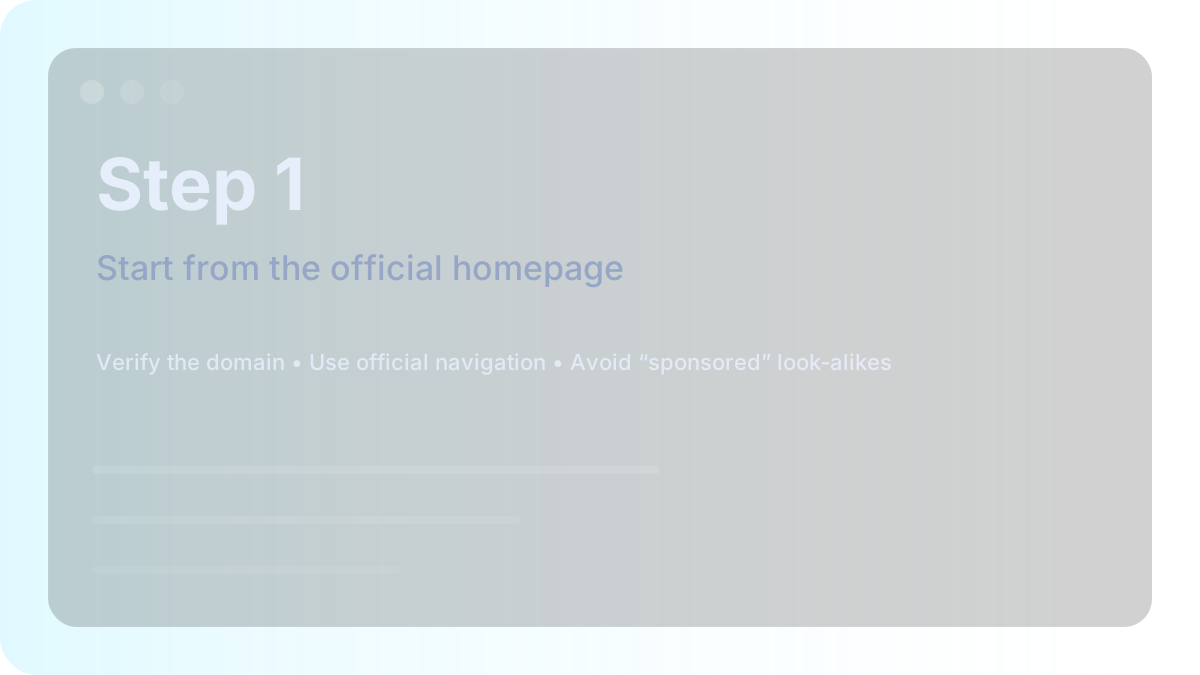
- Type schwab.com manually or use your own bookmark.
- Click Log In from the official header (not from search results).
- Check the domain spelling and HTTPS before entering credentials.
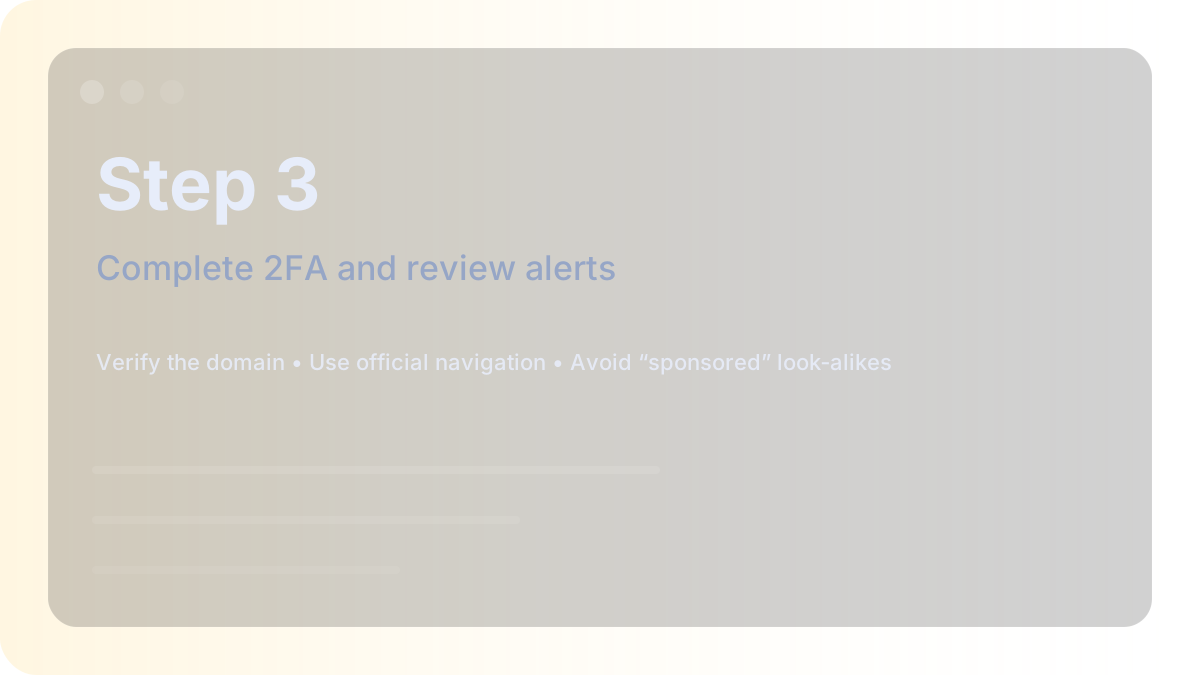
- Complete 2FA only when you initiated the login.
- After login, review recent activity and alerts.
- Log out after use on shared devices.
Browser & device hardening
- Keep your browser and operating system updated.
- Use a reputable password manager—autofill helps detect look‑alike domains.
- Enable device lock screens and full‑disk encryption on laptops.
- Do not install unknown browser extensions.
If you entered credentials on a suspicious site
Act quickly and calmly:
- Change your password immediately on the official site.
- Enable or re-check two‑factor authentication settings.
- Review recent activity, alerts, and device approvals.
- Run a malware scan on the device you used.
- Contact Schwab via official contact options on Schwab.com (avoid numbers from ads).
Official starting points
Video walkthrough
This is an optional tutorial video hosted on YouTube. Always verify you’re on an official Schwab page before entering credentials.
Email and SMS hygiene for account security
Many phishing attempts start with email or text messages. Treat unexpected messages as untrusted and verify everything directly on the official website.
If you receive an alert about a login you didn’t initiate, do not click embedded links. Open Schwab.com manually, sign in, and review alerts.
- Never forward one-time codes to anyone
- Check sender addresses carefully; look for subtle misspellings
- Be cautious with attachments claiming to be statements or tax documents
- Report phishing messages using your email provider tools
Better than SMS: stronger verification methods
Verification options vary, but in general, app-based authenticators or device prompts can be stronger than SMS. Use the options offered on the official site and keep recovery methods current.
If you approved a login prompt you didn’t initiate
Sometimes attackers try to trigger a 2FA prompt and hope you approve it by mistake. If you approved a prompt you didn’t initiate, treat it as an emergency.
- Change your password on the official site immediately
- Review device approvals and sign out other sessions if available
- Check alerts and recent activity
- Contact Schwab via official contact options on Schwab.com
Signs a device may be compromised
Login safety is not only about URLs. If malware is on your device, it can intercept sessions. Consider these warning signs:
- Unexpected browser toolbars or extensions
- Frequent redirects or popups on many websites
- Passwords changing without your action
- Unknown programs installed recently
When in doubt, use the official homepage
If you’re ever uncertain, the simplest rule wins: start from Schwab.com, then navigate using the official header. Bookmarks and manual typing reduce exposure to malicious results.